

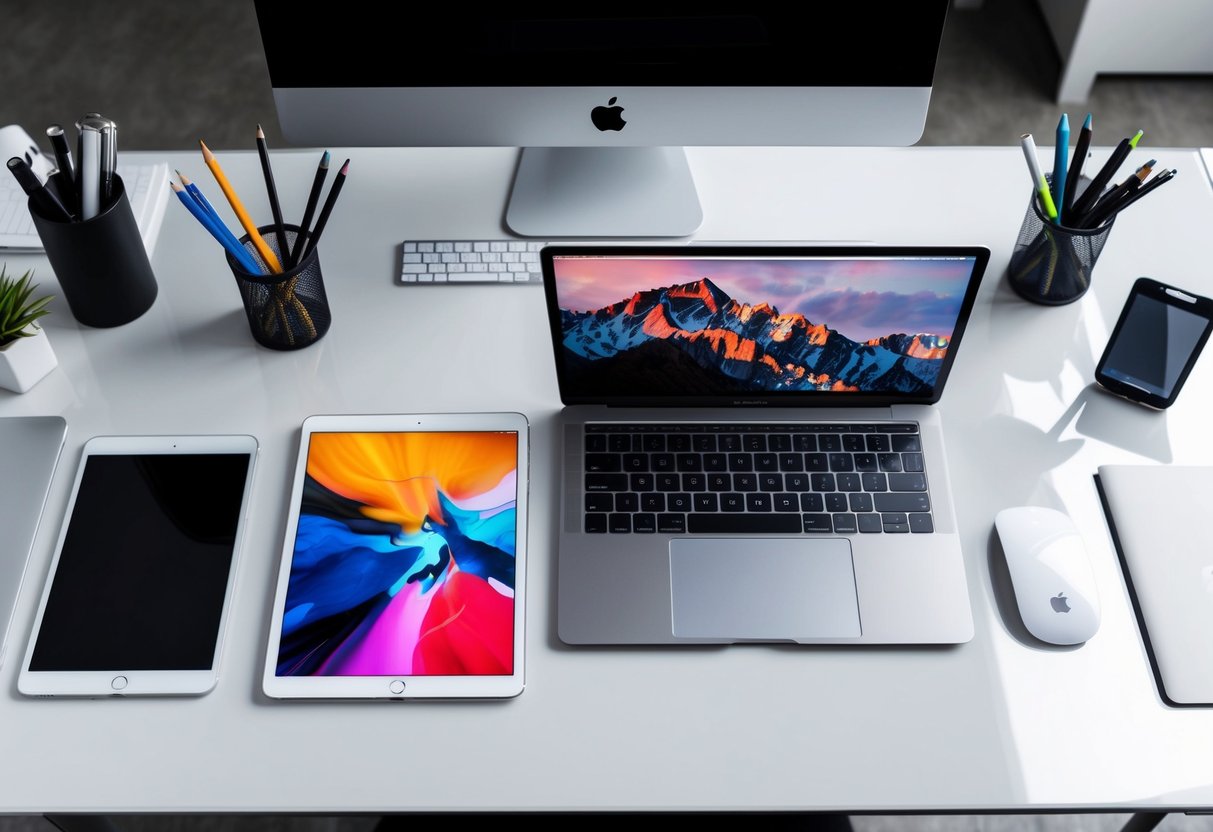
A laptop is more than just a piece of technology; it is an essential tool that supports work, education, communication, entertainment, and business operations. Whether you use your laptop for professional tasks, online learning, content creation, or everyday browsing, taking proper care of your device can significantly improve its performance and extend its lifespan.
Many laptop users unknowingly develop habits that shorten the life of their devices. Over time, neglecting maintenance can lead to slower performance, battery issues, overheating, hardware failures, and costly repairs. Fortunately, with proper care and regular maintenance, a quality laptop can remain reliable, efficient, and productive for many years.
At Edge Technology Services, we believe that protecting your investment starts with understanding the best practices for laptop care. By following a few simple maintenance habits, you can keep your device running smoothly and maximize its long-term value.
Keep Your Laptop Clean
One of the simplest yet most important maintenance practices is keeping your laptop clean. Dust, dirt, fingerprints, and debris can accumulate over time and negatively affect both the appearance and functionality of your device.
Dust buildup around cooling vents can restrict airflow, causing the laptop to work harder and generate excess heat. Similarly, dirt trapped between keyboard keys may affect typing performance and overall usability.
Regularly cleaning your laptop screen, keyboard, touchpad, and exterior surfaces with appropriate cleaning materials can help maintain both its appearance and performance. Always use soft microfiber cloths and avoid harsh cleaning chemicals that could damage sensitive components.
Prevent Overheating
Heat is one of the biggest enemies of any electronic device. Excessive heat can reduce performance, damage internal components, and shorten the lifespan of your laptop.
To prevent overheating, always use your laptop on a flat, hard surface that allows proper airflow. Avoid placing it on beds, couches, pillows, or other soft materials that can block ventilation openings.
If you frequently perform demanding tasks such as video editing, gaming, graphic design, or multitasking, consider using a laptop cooling pad to improve airflow and temperature management.
Keeping cooling vents free from dust and debris also helps maintain proper airflow and prevents unnecessary strain on the system.
Keep Software Updated
Software updates are often overlooked, but they play a critical role in maintaining laptop health and security. Operating system updates, driver updates, and application updates frequently include performance improvements, bug fixes, and important security patches.
Running outdated software can expose your laptop to security vulnerabilities and reduce overall performance. By regularly installing updates, you help ensure that your device remains stable, secure, and optimized for daily use.
Protect Your Battery
Battery health directly affects the portability and convenience of your laptop. While modern batteries are designed to last for years, poor charging habits can reduce their lifespan over time.
Avoid leaving your laptop plugged in continuously for extended periods if it is already fully charged. Likewise, avoid frequently allowing the battery to drain completely before recharging.
Maintaining balanced charging habits and keeping your laptop away from extreme temperatures can help preserve battery performance and extend its useful life.
Use Reliable Antivirus Protection
Cybersecurity is an essential part of laptop maintenance. Viruses, malware, ransomware, and other malicious software can slow down your device, compromise personal information, and damage important files.
Installing reliable antivirus software and regularly scanning your system can help protect your laptop from security threats. In addition, avoid downloading files from untrusted sources and be cautious when opening suspicious emails or links.
A secure laptop is often a healthier and more reliable laptop.
Manage Storage Effectively
As files, applications, downloads, and temporary data accumulate over time, laptops can begin to experience slower performance. Regularly organizing and cleaning your storage can help maintain speed and responsiveness.
Delete unnecessary files, uninstall unused applications, and clear temporary files periodically. Cloud storage solutions and external drives can also help reduce storage pressure while keeping important files accessible.
Maintaining sufficient free storage space allows your operating system and applications to function more efficiently.
Handle Your Laptop Carefully
Physical damage remains one of the most common causes of laptop failure. Dropping, bumping, or mishandling your device can damage screens, keyboards, hinges, and internal components.
When transporting your laptop, use a quality laptop bag or protective case. Avoid placing heavy objects on top of the device and always close the screen carefully before moving it.
Treating your laptop with care can prevent unnecessary repairs and extend its lifespan significantly.
Use Quality Accessories
The accessories you use can also impact the health and performance of your laptop. Low-quality chargers, adapters, and peripherals may damage your device or cause inconsistent performance.
Whenever possible, use original accessories or trusted replacements designed specifically for your laptop model. Quality accessories provide safer operation and help protect sensitive internal components.
Back Up Important Data Regularly
Data loss can occur unexpectedly due to hardware failures, accidental deletion, software corruption, or security incidents. Regular backups help protect your important files and ensure business continuity.
Use external drives, cloud storage services, or backup software to create copies of essential documents, photos, videos, and work files. A reliable backup strategy provides peace of mind and reduces the risk of losing valuable information.
Why Proper Maintenance Matters
Proper laptop maintenance is not just about preventing problems; it is about maximizing value. A well-maintained laptop performs better, lasts longer, requires fewer repairs, and provides a more enjoyable user experience.
Whether you own a Dell, HP, Lenovo, Apple MacBook, ASUS, or any other laptop brand, following good maintenance practices can help ensure years of reliable service.
At Edge Technology Services, we are committed to helping customers get the most from their technology investments. In addition to offering quality brand-new and UK/US used laptops, we encourage users to adopt maintenance habits that protect their devices and improve long-term performance.
Conclusion
Extending the lifespan of your laptop does not require advanced technical knowledge. Simple habits such as keeping your device clean, preventing overheating, updating software, protecting the battery, managing storage, using quality accessories, and handling your laptop carefully can make a significant difference over time.
A laptop is an investment in your productivity, education, business, and personal growth. By taking proper care of it, you can enjoy reliable performance, improved efficiency, and greater value for years to come.
At Edge Technology Services, we believe that quality technology deserves quality care, and with the right maintenance practices, your laptop can continue supporting your goals well into the future.